Meet People Through 1-on-1 Video Chat
For adults aged 18 and over only.
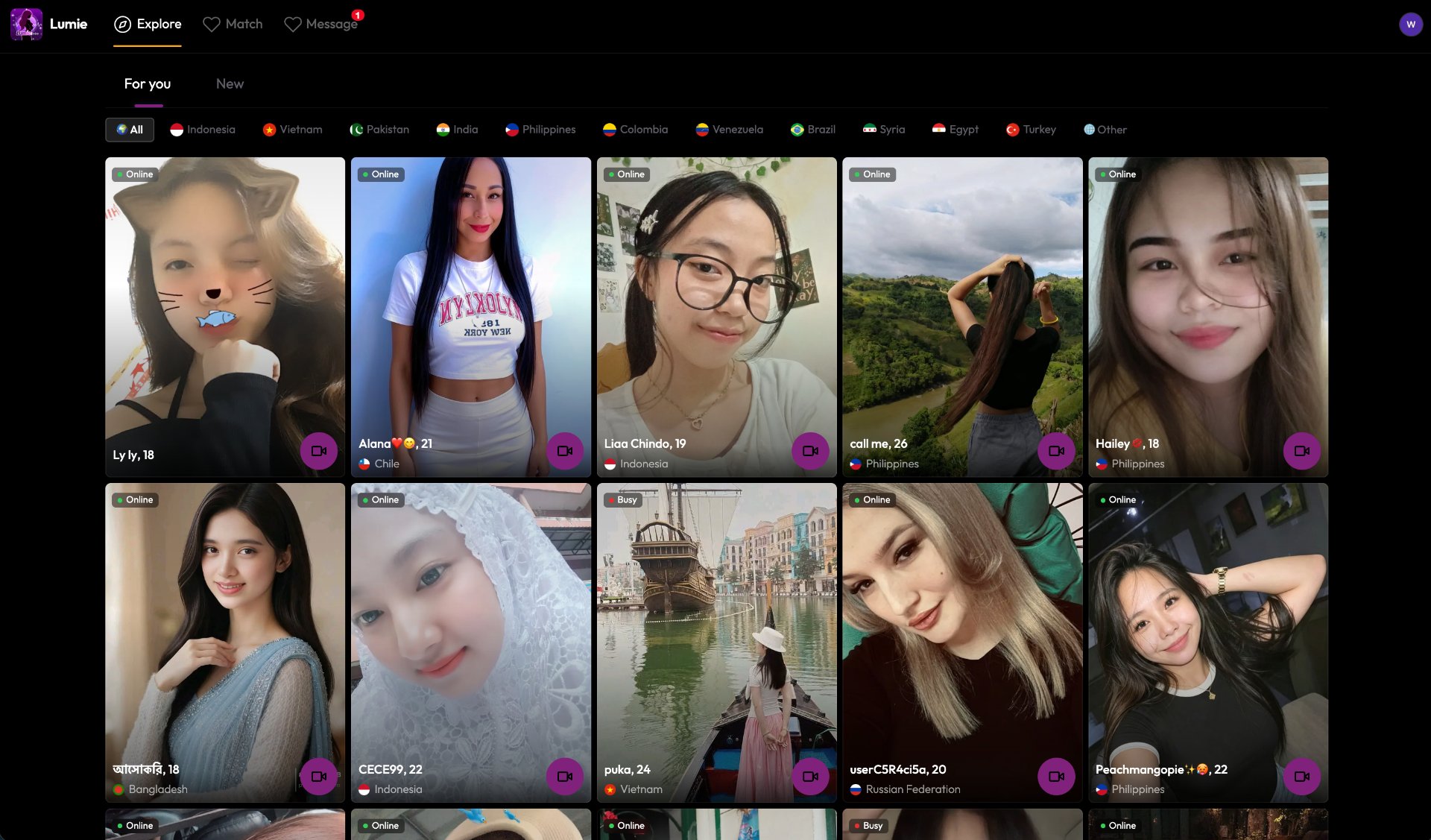
What Is 1-on-1 Video Chat?
1-on-1 video chat lets you have real-time face-to-face conversations with people from around the world. Unlike text messaging, video interactions bring genuine expressions, tone of voice, and spontaneous connection into every conversation.
How to Get Started
Visit the website and review the information about the service.
Click Start to enter the actual video chat application.
Allow camera and microphone access when prompted by your browser.
Begin your video conversation.
Core Features
Discover what you can do with our video chat platform.
1-on-1 Video Chat
Real-time face-to-face video conversations with people from different countries and backgrounds.
Random Matching
Connect with new people through our matching system. Each conversation is a fresh opportunity to meet someone new.
Personal Profile
Create and customize your profile to help others get to know you better before starting a conversation.
Browser Camera Support
Use your device's built-in camera directly through your web browser. No additional software installation required.
Microphone Access
Speak naturally with your device's microphone. Browser-based audio support means you can start talking right away.
Cross-Device Access
Access the service from your desktop computer, laptop, tablet, or mobile phone through a compatible web browser.
How It Works
Getting started is simple. Follow these steps to begin your first video conversation.
Visit the Website
Open the website in a modern web browser on your desktop or mobile device.
Read the Information
Review the details about the service, including how to use it safely and what to expect.
Click Start
When you are ready, click the Start button to enter the video chat application.
Allow Permissions
Your browser will ask for permission to access your camera and microphone. Choose to allow access.
Begin Your Conversation
Once connected, you can start your video conversation. Be respectful and enjoy meeting new people.
Before You Start
Check Your Browser
Use a modern browser like Chrome, Firefox, Safari, or Edge.
Camera & Microphone
Ensure your device has a working camera and microphone.
Stable Connection
A stable internet connection is recommended for the best experience.
You Must Be 18+
For adults aged 18 and over only.
When Can You Use It?
1-on-1 video chat fits naturally into various adult social situations.
Connecting Across Regions
Talk face-to-face with people from different countries and learn about their cultures and daily lives.
Real-Time Conversations
Start a live video conversation when you want to have a genuine interaction with someone new.
Getting to Know People
Use video conversations to understand the person you are talking to beyond text messages.
Chat From Any Device
Access video conversations from your preferred device with a compatible browser.
Safety & Privacy
Your safety and privacy are important. Here is what you should know.
Adults Only
This service is strictly for adults aged 18 and over.
Protect Your Privacy
Do not share sensitive personal information such as your home address, financial details, or passwords with people you meet.
Be Careful With External Contacts
Avoid sharing your phone number, email address, or social media accounts with people you have just met.
Managing Interactions
If you encounter inappropriate behavior, use the available features within the application to manage your interactions.
Community Rules
Follow the service rules and treat others with respect during your conversations.
Browser Permissions
You control camera and microphone access through your browser. You can revoke these permissions at any time through your browser settings.
Frequently Asked Questions
Find answers to common questions about 1-on-1 video chat.
Guides & Resources
Helpful articles and guides to improve your video chat experience.
Guides & Resources →Ready to Start?
Enter the video chat application and begin meeting new people through live video conversations.
For adults aged 18 and over only.